
Validation
This tutorial shows how to validate metadata using the FAIR Data Statio in accordance with FAIR By Design principles. Metadata of the following Investigation was used as an example Parbie PK et al., 2021. In this study they analyzed the dysbiosis of the fecal microbiome in HIV-1 infected individuals in Ghana.
We start with a prefilled metadata Excel template. The sheets were generated using the open and free to use FAIR Data Station application, Metadata configurator fairds.fairbydesign.nl.
Obtain the data
Section titled “Obtain the data”The metadata file can be obtained here.
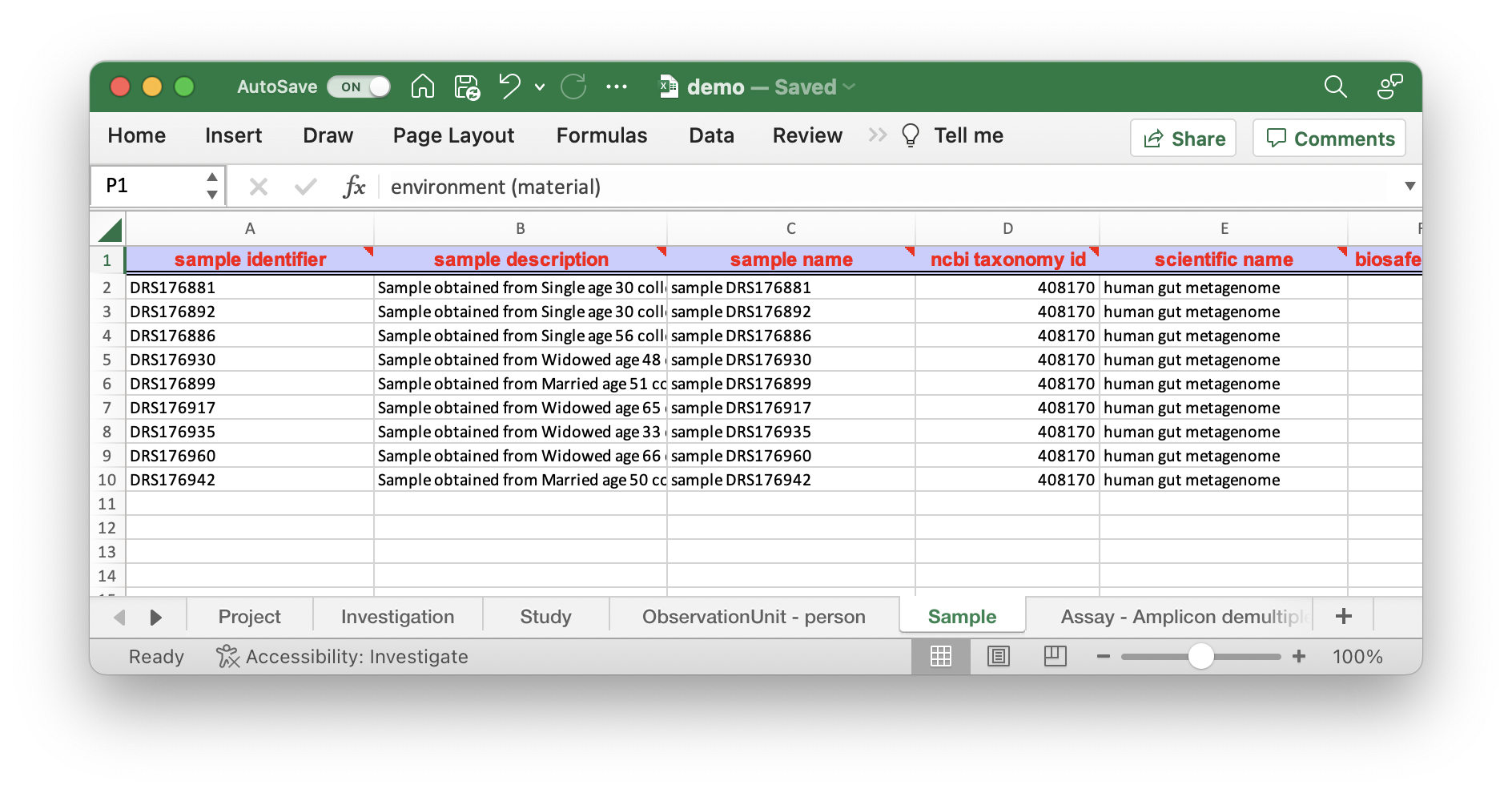
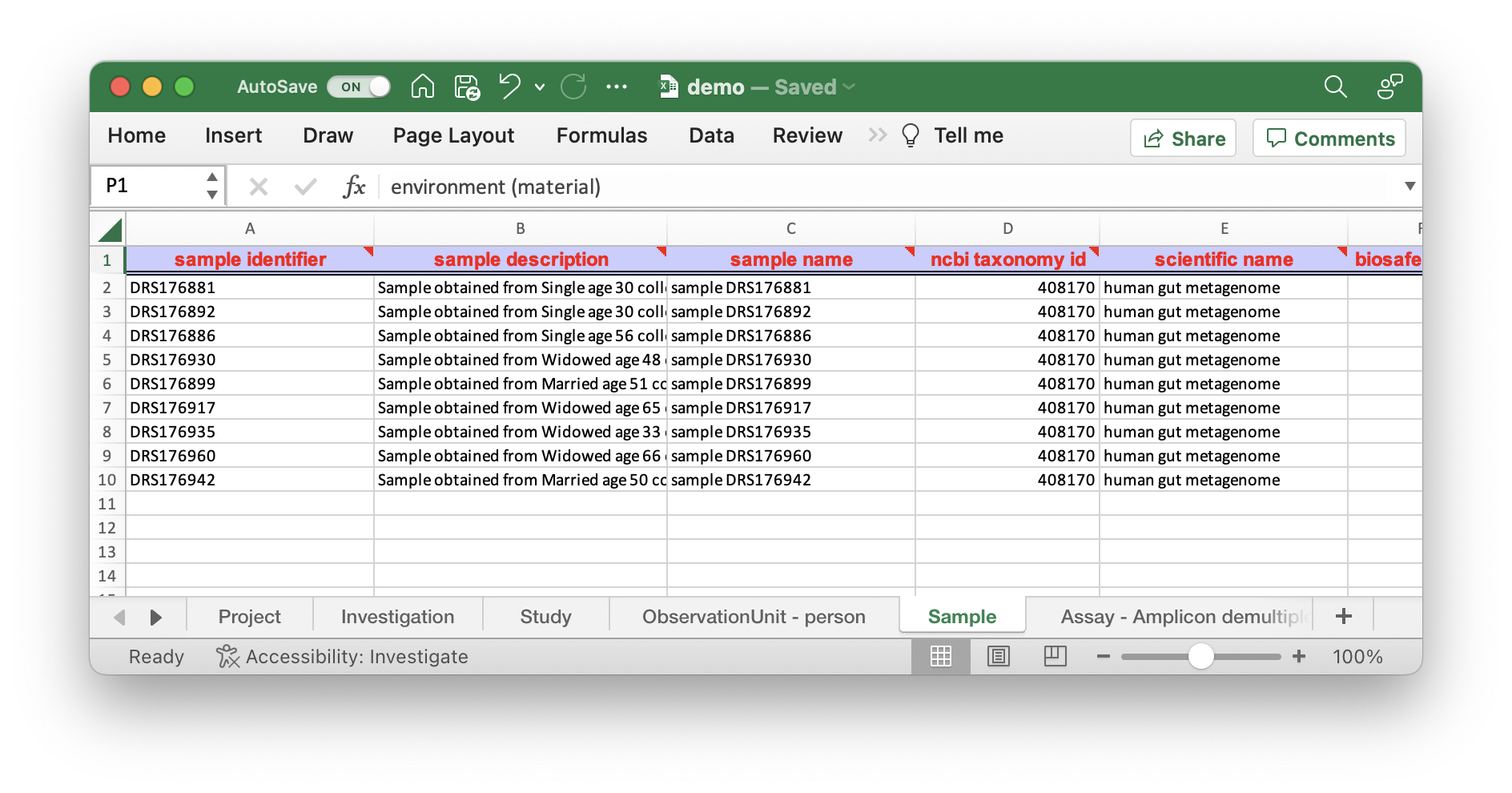
As you can see there are different sheets corresponding to the different levels of information.
| Level | Description |
|---|---|
| Investigation | General research questions within the specified project & User access |
| Study | A series of observation units to answer a particular biological question |
| ObservationUnit | Objects that are subject to instances of observation and measurement (../Bioreactor, Patients, fields) |
| Sample | Taken from an Observation Unit that can potentially be processed further to acquire data from |
| Assay | The data (../for example a sequencing run) that was performed on a sample |
Exercise 1: Validating the metadata
Section titled “Exercise 1: Validating the metadata”While performing research, the Excel sheet can be continuously populated. You can imagine that this can be done in the field while doing experiments, in the lab or by machines generating tabular information when a measurement or sample is taken.
During this registration process small mistakes are easily made and the validator in combination with the metadata schema in the backend ensures that the predefined fields conform to defined standards.
To validate this Excel file go to fairds.fairbydesign.nl and click on the Validate Metadata button. You can now drag the Excel file into the box at the top. Validation will start automatically.
You will see an error message for a field:
The value "5" of "biosafety level" in the "Sample" sheet which is obligatory does not match the pattern of (../1|2|3|4|unknown) regex (../1|2|3|4|unknown) such as in example "2"As you can see in the Excel sheet in the “sample” sheet under “biosafety level”
| biosafety level |
|---|
| 3 |
| 3 |
| 4 |
| 5 |
This likely results from Excel’s auto-fill feature, which automatically increments numeric values when dragging cells. The only fields allowed as mentioned in the error message are (../1|2|3|4|unknown) in this case all values should be of level 3. Correct the values and evaluate again.
The evaluation message should now show:
Analysing investigation informationAnalysing study informationAnalyzing observation unit sheetFinished processing Sample sheetProcessing Assay - Amplicon demultiplexed sheetFinished parsing Assay - Amplicon demultiplexed sheetValidating RDF file: ./fairds_storage//validation/ValidationDemo.ttlValidation successful, user not logged in.Result file not uploaded to the data storage facility
Validation appeared to be successful.
The output is an RDF file that can be used for downstream querying and processing. This is beyond the scope of this tutorial.
Exercise 2: Transforming the metadata
Section titled “Exercise 2: Transforming the metadata”As you can see in the sheet names there are three sheets that contain actual experimental metadata. These sheets are the ObservationUnit, Sample and Assay. For the observation unit and assay we have specified a specific package which in turn is used by the validator.
These packages can have different requirements, for example: for Samples sheet the air package has an obligatory field Geographic Location (../Altitude) which is not applicable for a human gut sample.
To make the Sample sheet more specific change the sheet name Sample to Sample - human gut.
Validate your dataset again
As you can see a new error pops up. By changing the package name the requirements can change. In this case the message:
in sheet "Sample - human gut" row 1 does not contain column "Geographic Location (../Country and/or Sea)" which is obligatoryIf you look at column AB in the Sample - human gut you see that there is some form of geolocation information under the columna name of Geo_Loc_Name.
You can rename the Geo_Loc_Name to Geographic Location (../Country and/or Sea) and do the validation again.
As you can see the validation still does not pass. This is because this field is more restricted. To avoid losing information, we should create a new column next to this one with the old information and only mention the country in the original field.
This should create:
| Geographic Location (../Country and/or Sea) | Geo_Loc_Name |
|---|---|
| Ghana | Koforidua |
| Ghana | Koforidua |
| Ghana | Koforidua |
| Ghana | Koforidua |
After validation it should now appear to be successful.
***What about `Geo_Loc_Name?`***
You may find a more appropriate term for this field.***hint, look in [https://fairds.fairbydesign.nl/terms](https://fairds.fairbydesign.nl/terms)*** and **search for geographic in field name**
 "Geographic Location (../Region and Locality)" can be added as an extra field  since the city is also available in the "Geo_Loc_Name" field.
Can `Geo_Loc_Name` be transformed to `Geographic Location (../Latitude) and Geographic Location (../Longitude)`?
Exercise 3: Fixing Observation Unit
Section titled “Exercise 3: Fixing Observation Unit”When reviewing your metadata it might be possible that you have missed a predefined (../optional) column that in hindsight have a different name. In this case we will look at the ObservationUnit sheet, please download from here a slightly revised workbook in which the Observation Unit model is now changed to person.
If we just run validation on the workbook, it seems everything is fine. Or, is it?
The last column `gender` is not in our standardised metadata schema and therefore it is not properly evaluated. At the moment it is a free form field. But how can we FAIRify this field?Go to the terms overview at FAIR Data Station/Terms
As you can see there are many terms available for different sheets. In our case we are going to search for fields in the ObservationUnit sheet.
- Filter for ObservationUnit in the sheet column
As you can see there is the person package name in the second column and a specific field in the field column that fits the gender column in our Excel sheet.
- Change the gender column to the name that could replace it with: sex
- Validate the Excel sheet again
Maybe you have noticed the typo in the now modified column? The message indicates what went wrong.
The value "femalee" of "sex" in the "ObservationUnit" sheet does not match the pattern of (../female|hermaphrodite|male|neuter|not applicable|not collected|not provided|other|restricted access) regex (../female|hermaphrodite|male|neuter|not applicable|not collected|not provided|other|restricted access) such as in example "female"Go back to the Excel file and change femalee to female and validate again.